# react-leaflet-arrowheads
React-Leaflet-Arrowheads is a [react-leaflet](https://react-leaflet.js.org/) wrapper for leaflet-arrowheads. [Leaflet-Arrowheads](https://github.com/slutske22/leaflet-arrowheads) is a small plugin for leaflet to quickly draw arrowheads on polylines for vector visualization.
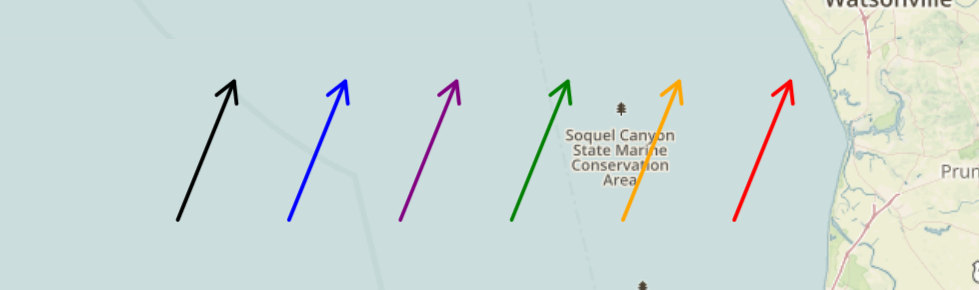
## Demo
You can see an instance of react-leaflet-arrowheads in my [react-leaflet-custom-components](https://codesandbox.io/s/github/slutske22/react-leaflet-custom-components) sandbox (among other custom components for react-leaflet).
## Installation
You can use npm to install react-leaflet-arrowheads:
````
npm install react-leaflet-arrowheads --save
````
## Usage
Instead of importing `{ Polyline }` from `react-leaflet`, you'll import a modified `Polyline` from `react-leaflet-arrowheads`
````javascript
import Polyline from 'react-leaflet-arrowheads'
````
Within your `` component, you can now use this new `Polyline` component. Using the `arrowheads` prop on this new `Polyline` component will apply arrowheads.
````javascript
````
And that's it!
## Options
Declaring a polyline with the `arrowheads` prop with no options object will give the default options:
````javascript
````
The arrowheads prop can also take a configuration object as its value:
````javascript
````
The options that are available are te same options inherited from leaflet-arrowheads. [Click here](https://github.com/slutske22/leaflet-arrowheads#options) for a list of options and examples.